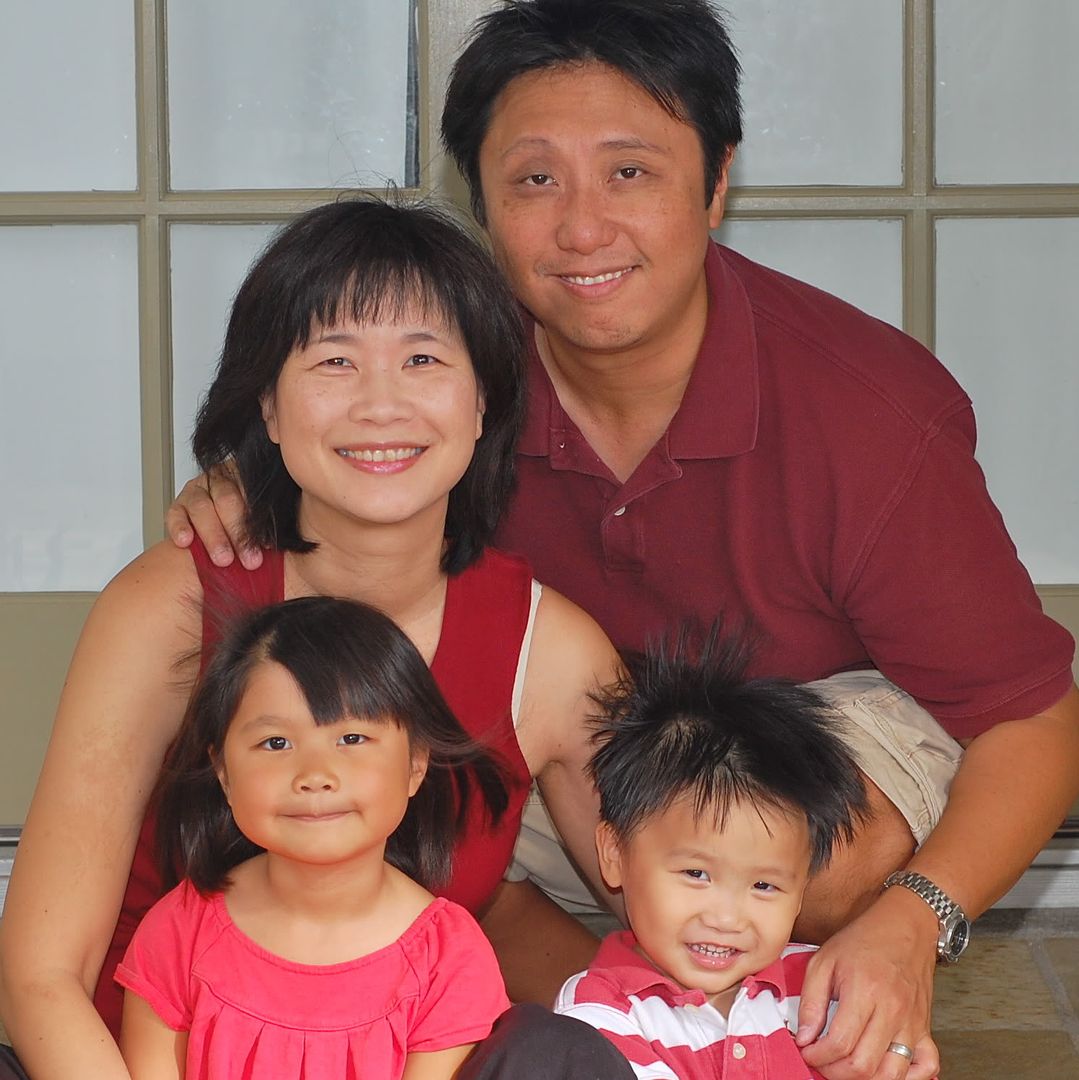
Very nice explanation, Karen! Though, to make things slightly simpler, if you cut & paste from Photobucket's IMG link section, you can just paste the code into your msg and you can have your pictures without snipping/adding [img] text.
In simpler terms, after you upload your pictures to Photobucket, check out the overview screen (where it shows all your pictures in thumbnails). Under each picture, there are 3 sections "Url", "Tag", and "Img". If you copy the entire text of the field that's labeled "Img" (if you click in the field, it'll automatically select all the text), you can then paste that directly into your msg here on LCT (without having to use the full reply form or having to press the Image button) and when you save your reply and review the thread, you'll see your picture in full glory. Similar process for your signature.
Masaki